
Comparison
Cap vs Screen Studio
Cap is an open-source recorder with free personal use and Studio Mode polish. Screen Studio is a Mac app for publish-ready demos, tutorials, and explainers: automatic zoom, smooth cursor, iPhone and iPad USB recording, and export presets.


Side by side
Screen Studio and Cap
Where Screen Studio fits next to Cap, and when to stay with the other tool.
| Compare | Screen Studio | Cap |
|---|---|---|
| Platform | macOS only | macOS, Windows, and Linux |
| Best for | Product demos, courses, tutorials, walkthroughs, presentations, explainers, and social clips | Open-source capture, self-host, and free personal Studio Mode |
| Auto-zoom | Automatic + manual zoom with smart framing | Studio Mode can generate zoom segments from clicks |
| Offline | Offline first; cloud optional | Local Studio Mode; Instant Mode and Pro add cloud or self-host |
| Pricing | From $9/mo yearly | Free personal use; commercial desktop license; Cap Pro optional |
When to stay with Cap. Stay with Cap when price, open source, self-hosting, or Windows and Linux decide the tool. Choose Screen Studio when you are on Mac and the deliverable is a publish-ready demo, course, tutorial, or social clip that needs automatic zoom with smart framing, iPhone or iPad USB recording, and finished export presets.
What people make with it
Thousands of people use Screen Studio for product demos, courses, tutorials, walkthroughs, presentations, explanatory videos, and social posts.
Product demos. Show the product the way you’d walk a customer through it. Automatic zoom keeps every click readable.
Tutorials and courses. Teach a workflow once. Zooms, cursor motion, and captions help learners follow on any screen size.
Walkthroughs and explainers. Explain a feature, a bug, or a process. The recording stays clear without a separate edit pass.
Presentations and client updates. Send a finished walkthrough instead of a raw capture. Smooth cursor and framing make it easy to watch.
Launch and social clips. One recording can become a wide demo or a vertical post. Export presets ready for the channel you need.
Why it looks finished
Customers come back for automatic zoom and a smooth cursor: the Screen Studio look, without a long edit.
Automatic zoom. Screen Studio looks at what you did while recording, like where you clicked, and zooms in on the moments that matter.
Smooth cursor. Shaky movement becomes a steady glide, without looking artificial.
Smart framing. Zooms are balanced so your webcam never covers the cursor.
Open source versus publish-ready Mac polish
Cap wins on license and platforms. Screen Studio wins when the Mac video has to look finished for customers, courses, and launches.
Free and open source stay with Cap. Personal use, a commercial desktop license, self-hosting, and cross-platform apps are Cap’s strengths. Screen Studio is a paid Mac subscription.
Publish-ready demos stay with Screen Studio. Automatic zoom, smooth cursor, smart framing, captions, and export presets are tuned for demos, tutorials, walkthroughs, and launch clips people share publicly.
iPhone and iPad on Mac. Connect your iPhone or iPad and Screen Studio wraps your recording in the right device mockup.
Related guides
Step-by-step help from the Screen Studio Guide.
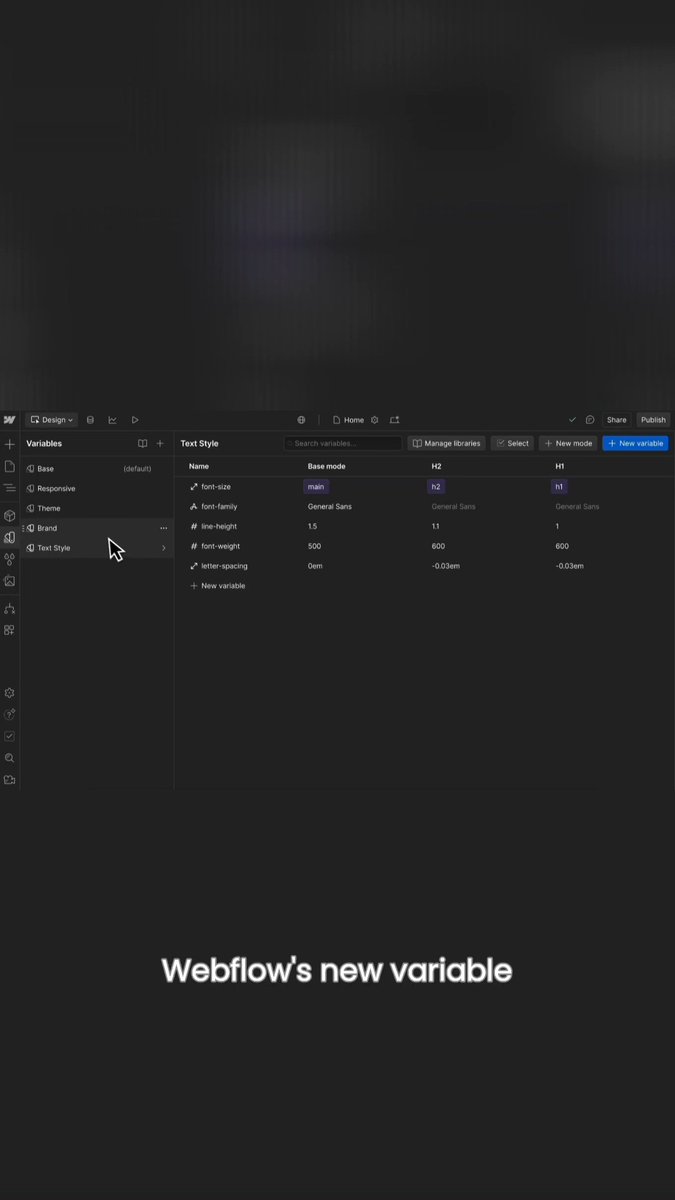
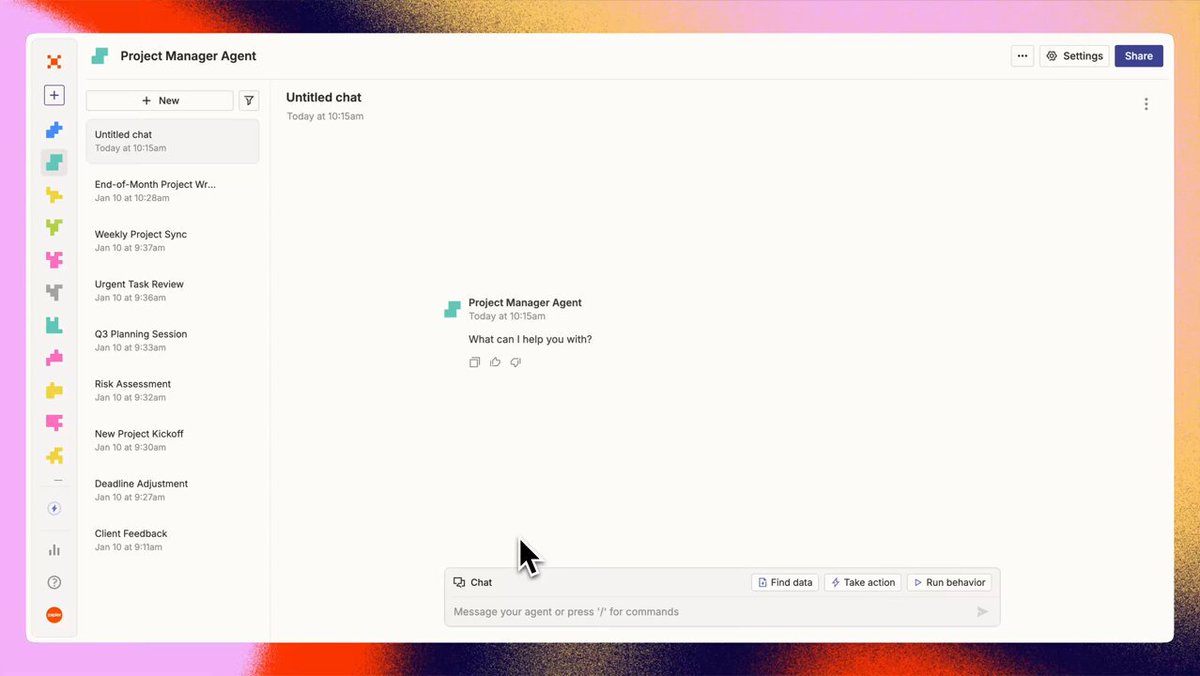
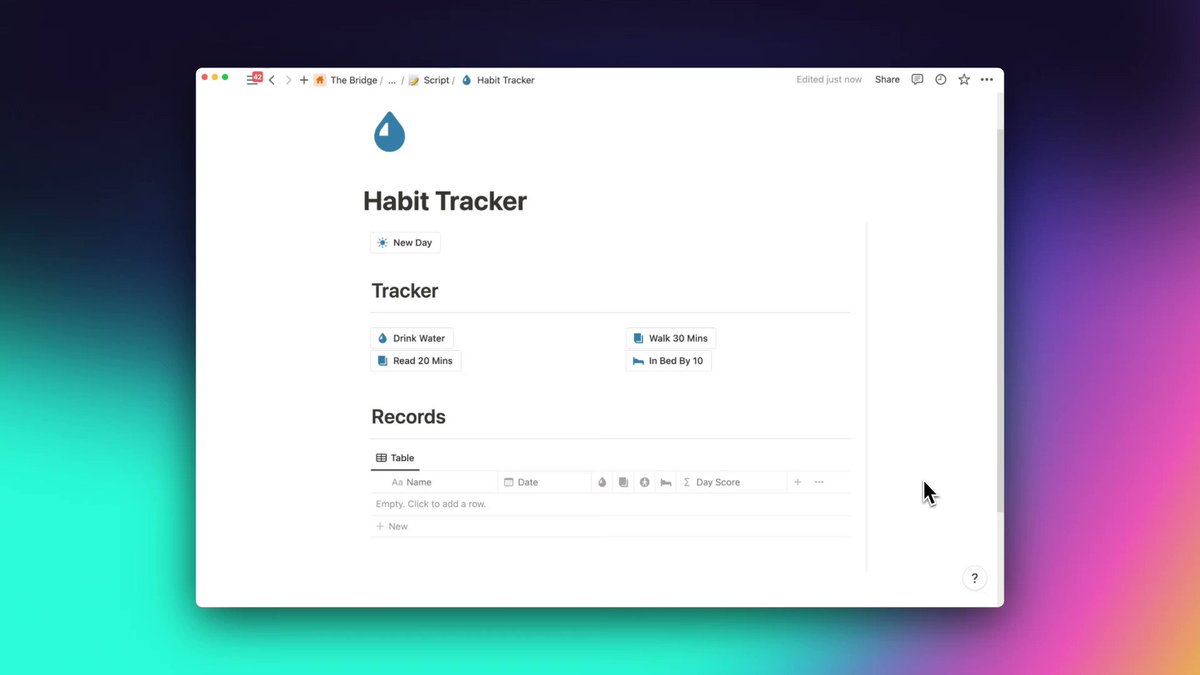
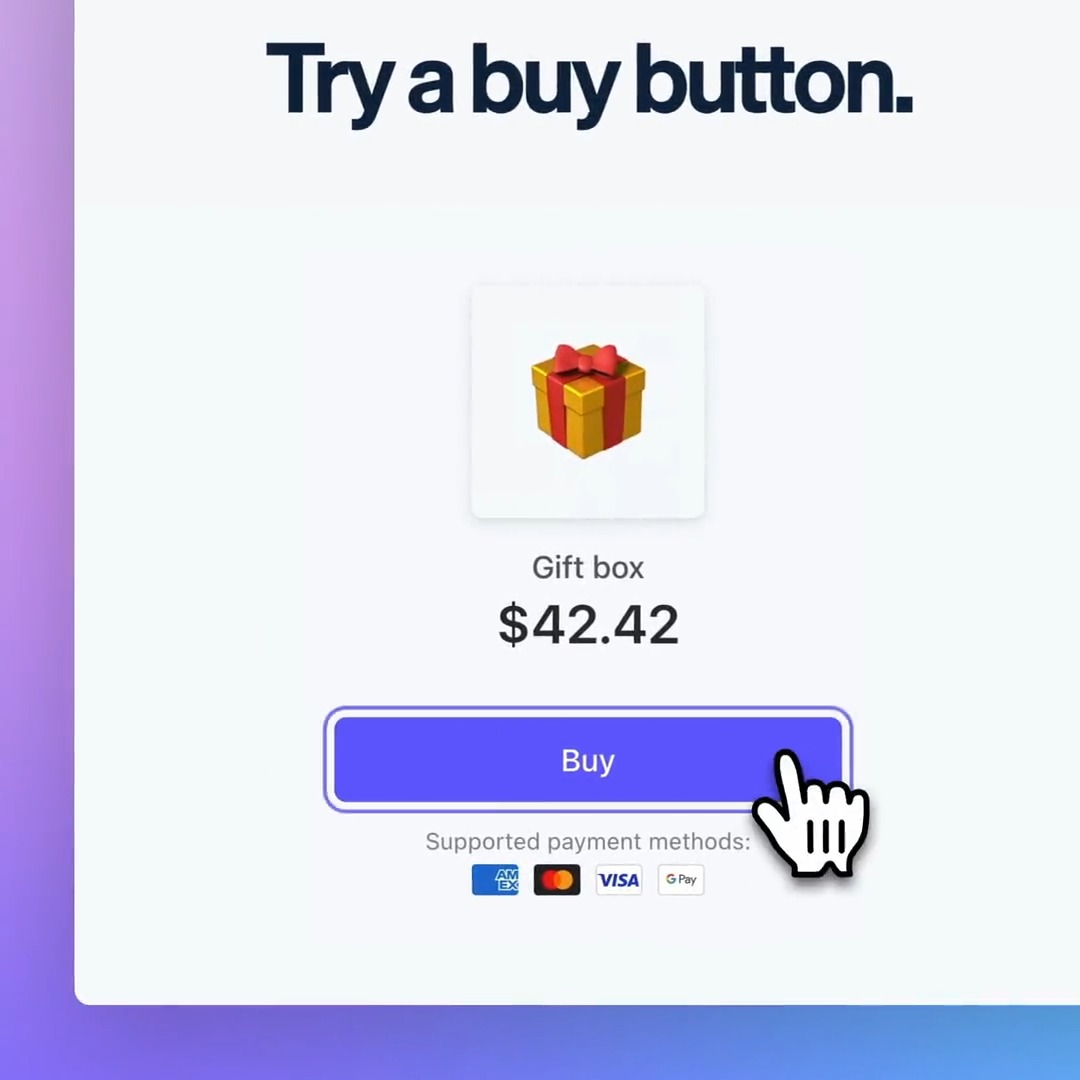
Made with Screen Studio.
Thousands of people use Screen Studio for product demos, courses, tutorials, walkthroughs, presentations, explanatory videos, and social posts.









In their words.
Screen Studio helps thousands of people record beautiful videos and demos of their products and services.


Pricing
Everything included.
Every Screen Studio feature is available in every plan.
Yearly
Save 69%$9/mo.
All Screen Studio features included.
- All Screen Studio features
- Export up to 4K at 60 fps
- Shareable links
- Cloud transcript
- Sharing projects
- New features as they ship
Monthly
$29/mo.
All Screen Studio features included.
- All Screen Studio features
- Export up to 4K at 60 fps
- Shareable links
- Cloud transcript
- Sharing projects
- New features as they ship
Students and educators get 40% off. Request a discount
Questions & answers.
Something else on your mind? Get in touch.