


How to Create Product Demos Videos?
Make your product demo stand out
Screen Studio features allows you to quickly create beautiful video
Smooth mouse movement. Shaky and rapid movement of your cursor is transformed into a smooth and beautiful glide. Edit your video quickly. Simply drag your zooms on the timeline. All the heavy lifting is done automatically. No manual work is required. Change cursor size. Make your video easier to follow by changing the size of the cursor even after you have finished recording. Cut & Speed up. Easily trim, cut or speed up parts of your recording.
Made with Screen Studio.
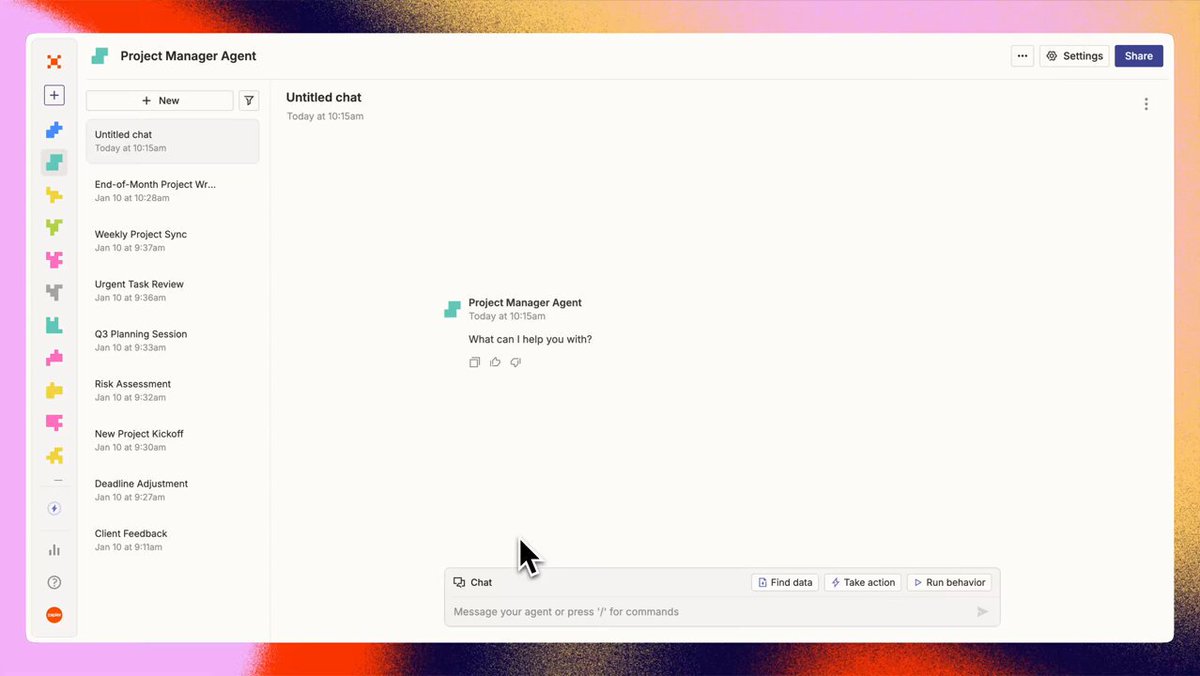
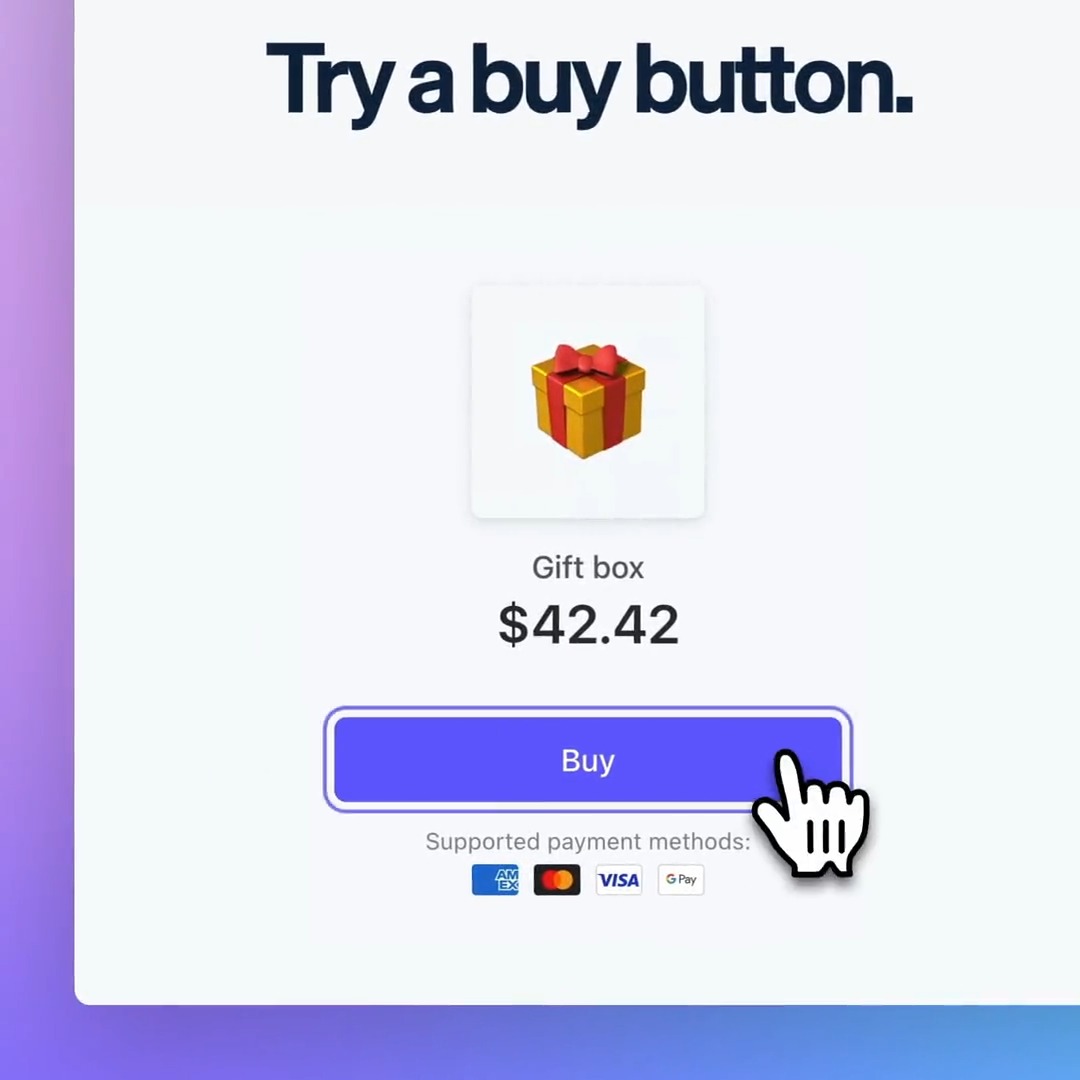
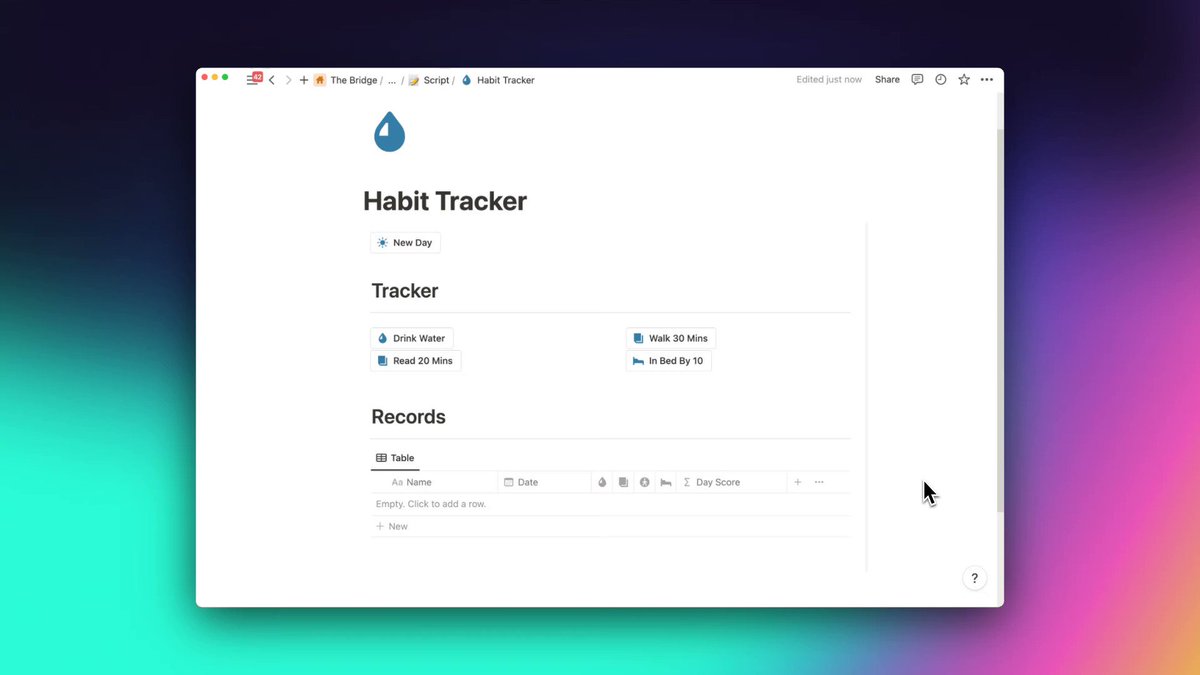
Thousands of people use Screen Studio for product demos, courses, tutorials, and social posts.







In their words.
Screen Studio helps thousands of people record beautiful videos and demos of their products and services.


Pricing
Everything included.
Every Screen Studio feature is available in every plan.
Yearly
Save 69%$9/mo.
All Screen Studio features included.
- All Screen Studio features
- Export up to 4K at 60 fps
- Shareable links
- Cloud transcript
- Sharing projects
- New features as they ship
Monthly
$29/mo.
All Screen Studio features included.
- All Screen Studio features
- Export up to 4K at 60 fps
- Shareable links
- Cloud transcript
- Sharing projects
- New features as they ship
Students and educators get 40% off. Request a discount
Questions & answers.
Something else on your mind? Get in touch.
Screen Studio records your screen differently than most apps.
It records your screen, ignoring the mouse cursor, and then adds the cursor back in the final video. This is possible because Screen Studio records precise mouse movement data and synchronizes it with the recorded video.
Thanks to this, it can apply many effects after the video is recorded, such as making mouse movement smooth, changing cursor size and shape, etc.
Most screen recording apps record your screen with the mouse cursor, making it impossible to apply cursor effects after the recording is done.
Yes.
Screen Studio never sends data about your recordings to servers.
Your recordings are stored and processed locally on your computer.
AI-based features, such as transcription, are done locally on your computer.
Screen Studio can collect basic usage data to help us improve the app, but you can opt out of it during the first launch. You can also opt out at any time in the app settings.
Yes.
If you have an email address from a university or other educational institution, you can automatically get a 40% discount on Screen Studio at Request Educational Discount page.
If you don't have an educational email address, you can send us confirmation of your student status (such as a student ID) at team@screen.studio and we will send you a discount code.
Please check out the roadmap page.
macOS Ventura 13.1 or higher is recommended.
Please check out the manage subscription page.
Your license is of course still valid.
If your access to the latest updates and features is expired, you can still renew your license at any time to restore your access to the latest updates and features.
Note: purchasing one-time licenses was possible in the past, but is no longer available for new purchases.