
How to
How to screen record on Mac with webcam
Show your face and the screen in one Mac recording. Screen Studio keeps Fullscreen camera, Split screen, Camera overlay, Screen only, and Camera cutout in a single take. The screen recorder for Mac that handles the hard parts: zooms, motion, sound, and framing. Every demo and tutorial comes out polished.


Step by step
Follow these steps, then use the sections below for built-in Mac tools versus Screen Studio.
1. Allow camera access Grant camera permission when prompted so the webcam can appear with the screen.
2. Start a Screen Studio recording with camera Choose display, window, or area, enable the webcam, and record. Bring the microphone along if you are speaking.
3. Pick layouts after you stop One recording holds Fullscreen camera, Split screen, Camera overlay, Screen only, and Camera cutout, and the transitions animate for you.
4. Export or share Export MP4 or send a shareable link. Background removal for camera cutout runs on your Mac.
Camera and screen in one recording
Record once, then choose how face and screen share the frame.
Layouts in one take. One recording holds Fullscreen camera, Split screen, Camera overlay, Screen only, and Camera cutout, and the transitions animate for you.
Cutout on your Mac. The background behind you is removed from your webcam, entirely on your Mac.
Hide during silence. When you stop talking, the camera can step aside and come back when you speak again.
Built-in Mac alternatives
You can record camera and screen separately with free tools, then edit them together later.
When that is enough. Separate takes work for a quick note to yourself. Choose Screen Studio when layouts should animate and the demo should look finished when you stop.
Related guides and pages
Official Guide steps and sibling how-tos.
Made with Screen Studio.
Thousands of people use Screen Studio for product demos, courses, tutorials, walkthroughs, presentations, explanatory videos, and social posts.
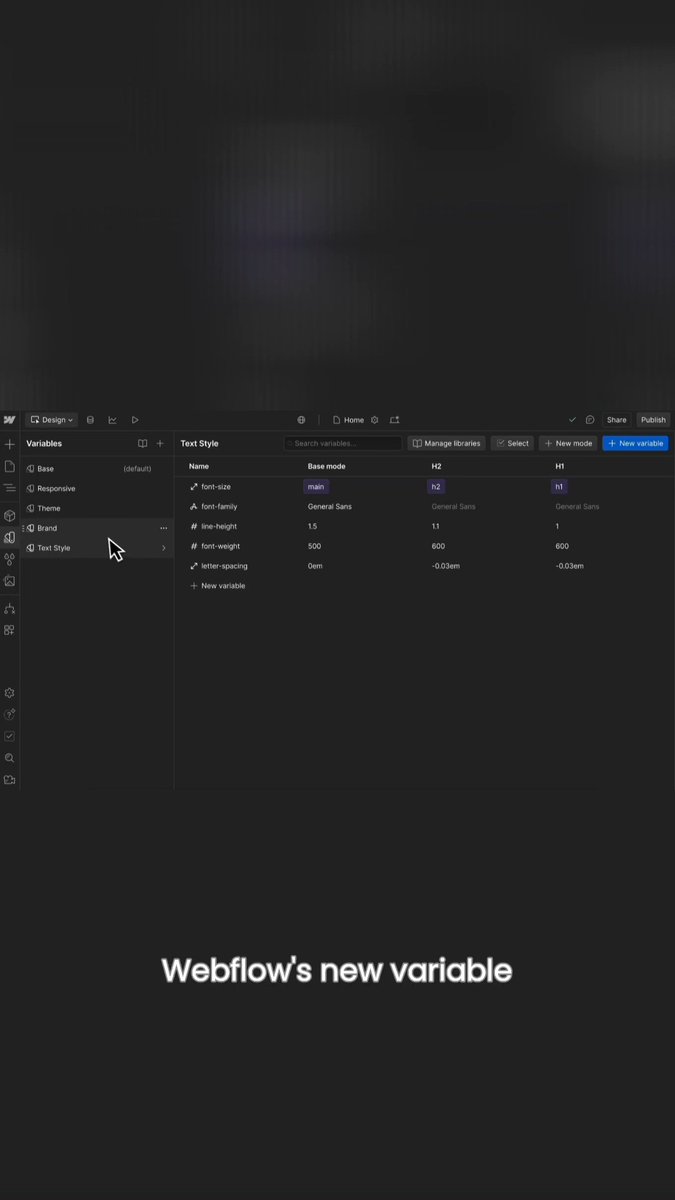


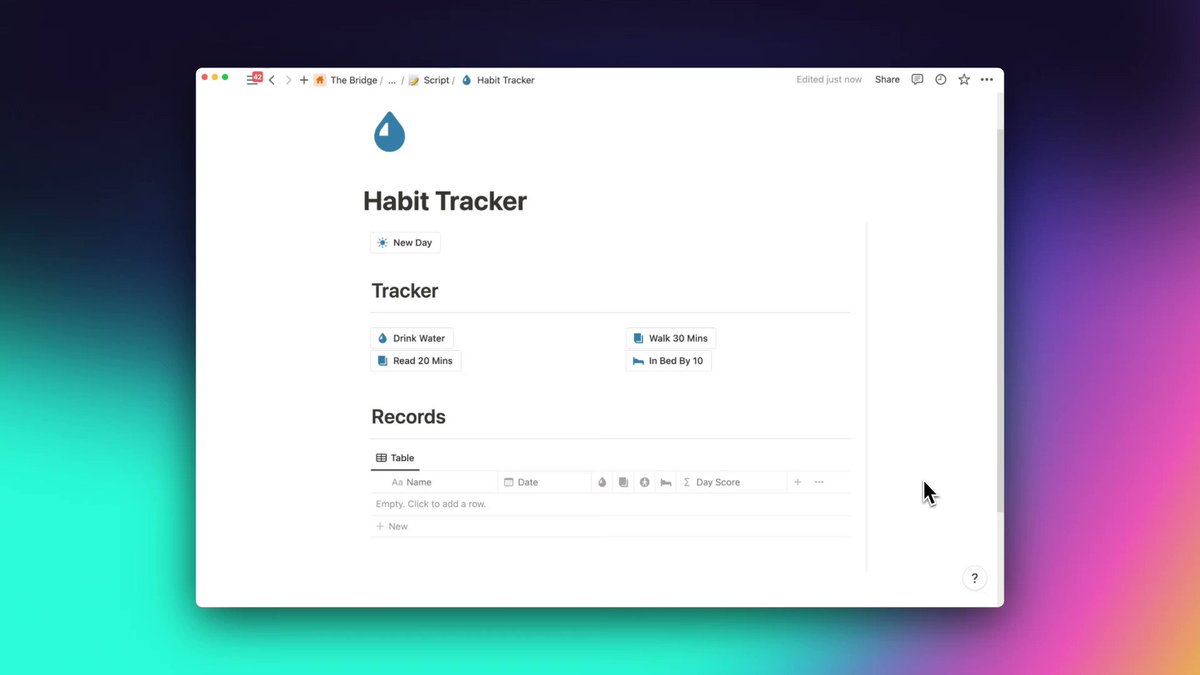


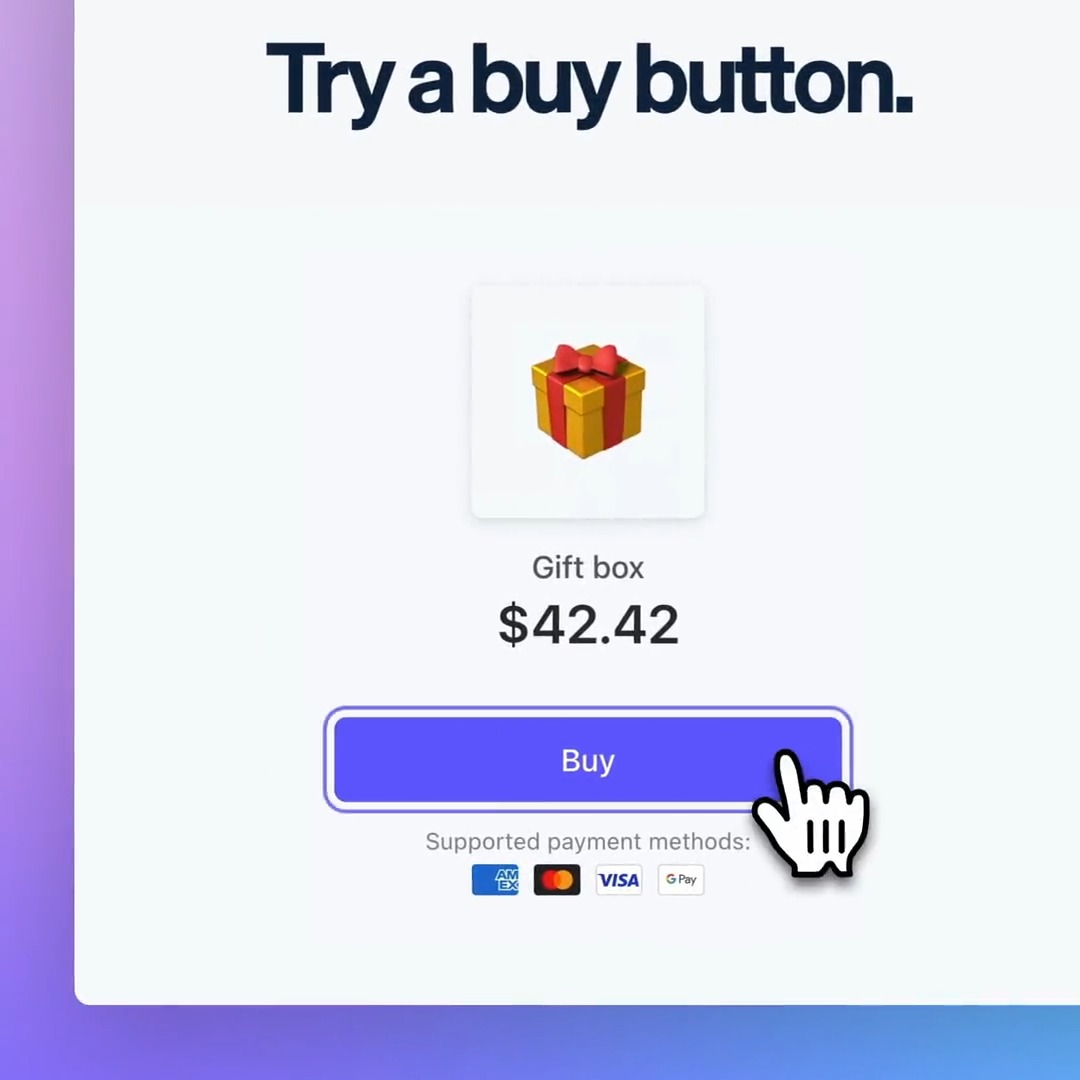


In their words.
Screen Studio helps thousands of people record beautiful videos and demos of their products and services.


Pricing
Everything included.
Every Screen Studio feature is available in every plan.
Yearly
Save 69%$9/mo.
All Screen Studio features included.
- All Screen Studio features
- Export up to 4K at 60 fps
- Shareable links
- Cloud transcript
- Sharing projects
- New features as they ship
Monthly
$29/mo.
All Screen Studio features included.
- All Screen Studio features
- Export up to 4K at 60 fps
- Shareable links
- Cloud transcript
- Sharing projects
- New features as they ship
Students and educators get 40% off. Request a discount
Questions & answers.
Something else on your mind? Get in touch.